Still typing observations
into Kinderly?
Kinderly made learning journals digital. TeachScribe goes further — press a button on your lanyard mic, speak naturally, and get a complete EYFS observation with curriculum goals tagged automatically.
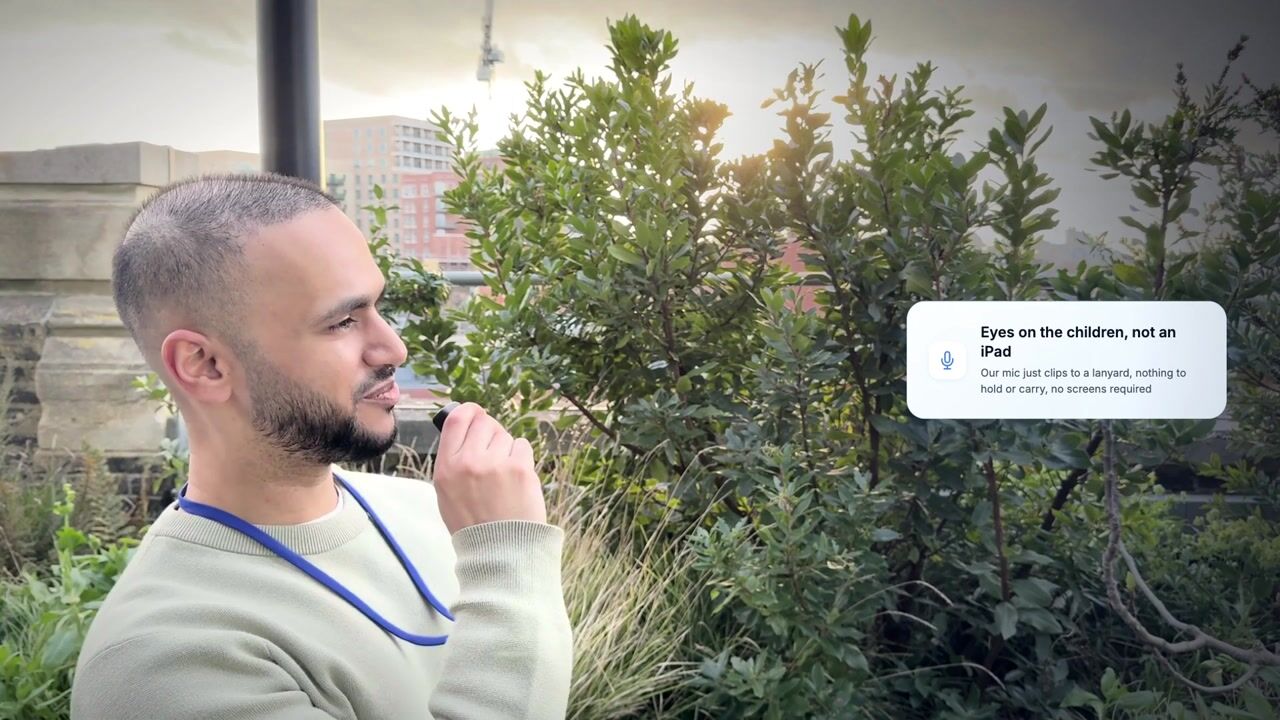
Watch a demonstration of TeachScribe's AI-powered observation tool. See how educators capture EYFS observations by pressing and holding the button on a lanyard microphone and speaking, never touching a screen, with automatic curriculum goal mapping.
The problem with tap-and-type observation apps
Kinderly brought learning journals online. But you still need to stop, open the app, type your observations, and tag curriculum goals manually.
Eyes on screens, not children
Typing an observation means looking down at a screen. With the lanyard mic, staff can describe the moment while keeping their attention in the room.
Hours of admin every single week
Observation write-ups eat into the school day or get pushed to evenings and weekends. That's time that could be spent with the children or on prep work.
Detail gets lost
When observations are written up hours later, the nuance disappears. You end up with shorthand summaries instead of rich narratives.
In our Q1 2026 sample, voice observations outnumbered typed entries by around 15 to 1.
Kinderly vs TeachScribe
Both help you document learning. The difference is how.
| Kinderly | TeachScribe | |
|---|---|---|
| Capture method | Typing on phone or tablet | Push-to-talk voice via lanyard mic |
| Time per observation | A few minutes | Seconds |
| Curriculum tagging | Manual selection | Automatic (AI-powered) |
| Child identification | Manual selection | Automatic from speech |
| Blind spot detection | ||
| Staff need to look at a screen | Yes | No |
| Share observations with parents | Yes | Yes |
| Accessibility (dyslexia-friendly) | Requires typing | Voice-first, no typing needed |
How TeachScribe works
Speak your observation. TeachScribe writes and links it, ready for your team to review.
Press and speak
Wear the lightweight lanyard. When you see a learning moment, press and hold the button, name the child and describe what's happening naturally.
Automatically linked
TeachScribe writes the observation, links it to the child you named and maps it to relevant learning goals.
Review and use
Review the observation in the child's profile. Use the evidence to follow progress, plan support and share selected moments with families.
Frequently asked questions
Everything settings usually ask us before their first call.
Still have a question? Book a demo or drop us a line at office@teachscribe.com.
Ready to stop typing observations?
In a 30-minute walkthrough, see a spoken observation become a written record linked to learning goals. We’ll cover setup, pricing and the option of a two-month pilot.
Prefer email or chat? Reach us at office@teachscribe.com or use the live chat button at the bottom right of the page.