For Early Years & SEND
Observations.
Spoken, not typed.
Clip on the mic, press and hold, and describe what you see. TeachScribe turns your words into written observations linked to each child and their learning goals, so your attention stays with the children.
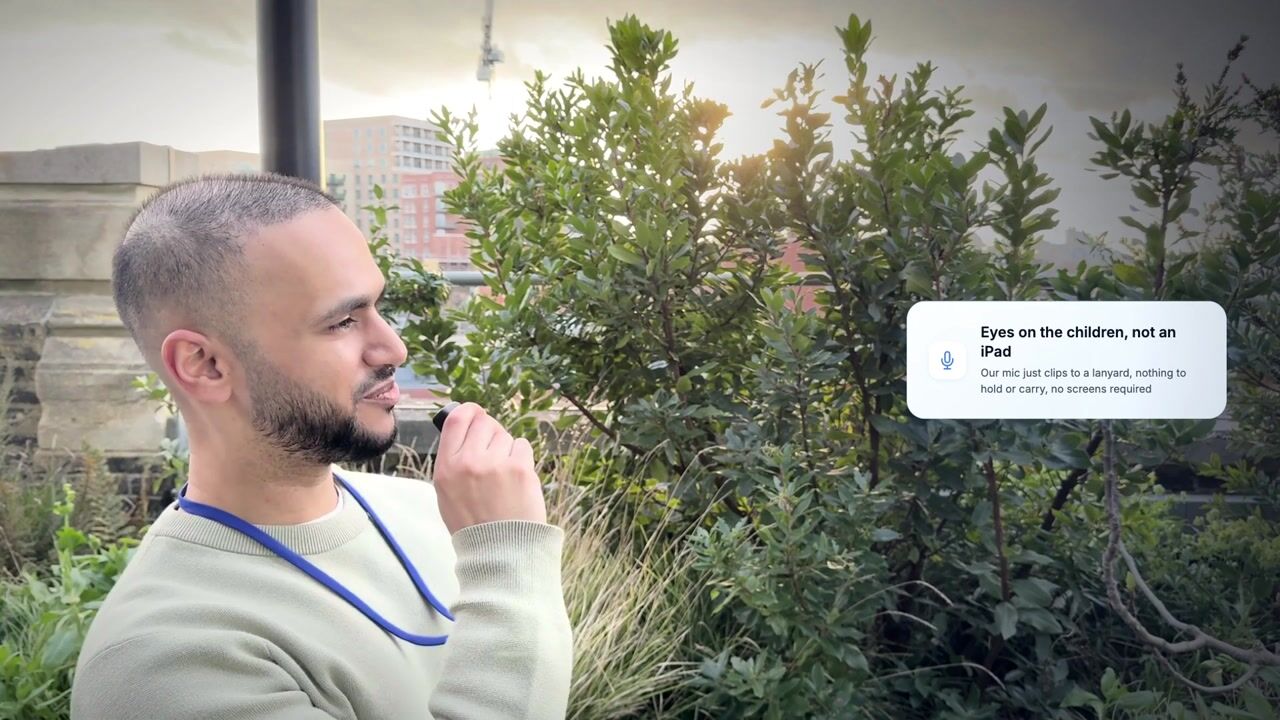
Watch a demonstration of TeachScribe's AI-powered observation tool. See how educators capture EYFS observations by pressing and holding the button on a lanyard microphone and speaking, never touching a screen, with automatic curriculum goal mapping.
Stop choosing between paperwork and play
Traditional observation methods create a backlog that keeps you from the classroom. TeachScribe removes the friction entirely.
The Old Way
- Typing on iPads distracts from supervision and engagement.
- Observations recorded hours later, losing critical details.
- Mental backlog creates stress and burnout.
With TeachScribe
- Press and hold the button on the lanyard mic and speak. No iPad in your hand.
- Real-time capture means accurate details.
- AI instantly tags EYFS goals and handles the admin.
Documentation on Autopilot
Early years observation software that turns spoken moments into written evidence you can use.
-
Press and speak
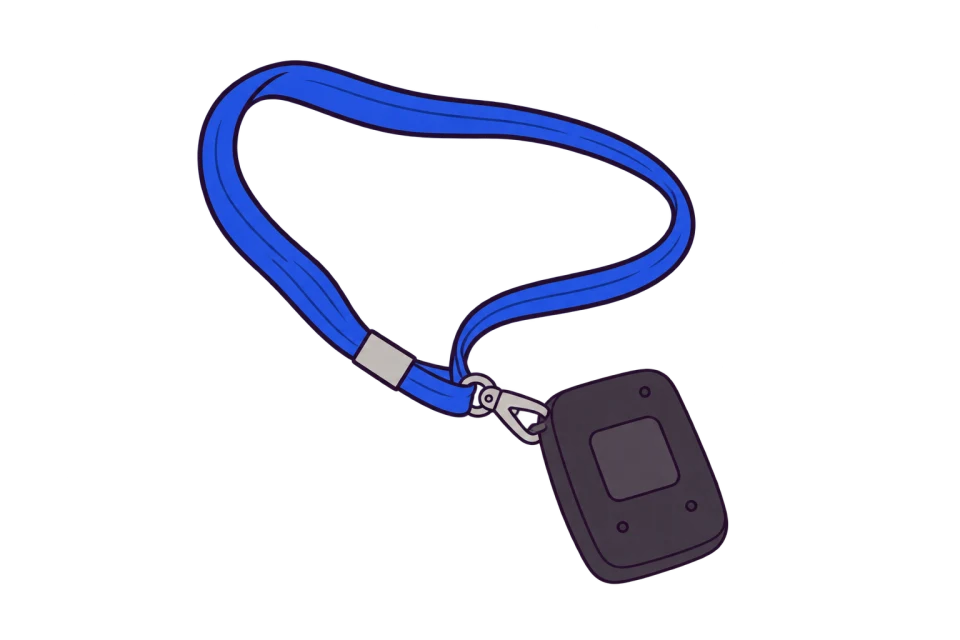
Wear the lightweight lanyard. When you see a learning moment, press and hold the button, name the child and describe what's happening naturally.
-
Automatically linked
TeachScribe writes the observation, links it to the child you named and maps it to Early Learning Goals, Development Matters or your setting's own framework.
-
Review and use
Review the observation in the child's profile and add photos or videos if you have them. Use the evidence to follow progress, plan support and prepare for reviews and reports.
More than just
a voice recorder
Turn everyday observations into evidence for tracking progress, planning support and sharing with families.
Tick Lists, updated automatically
TeachScribe finds evidence of the skills you're tracking in everyday observations and updates your Tick Lists.
Individual and SEND targets
Highlight small steps towards each child's targets, with suggested evidence from observations for your team to review.

Spot gaps across the class
See where recorded evidence is thin across the class, so your team can decide what to observe next.

Parent Ready
Optionally share individual observations with parents, complete with photos and video, and let families capture moments from home too.
Inclusive Design
Especially helpful for staff with dyslexia or those who find typing observations stressful.
Syncs With Your MIS
Children and class lists sync automatically from your MIS, directly with Arbor and others via Wonde. No manual setup.
What you actually get back
Every teacher gets around 80 hours back a year.
That's about two hours a week, based on real usage data from thousands of observations across TeachScribe schools in Q1 2026.
Median time by voice, compared with 3 minutes 2 seconds typed.
Voice observations outnumber typed ones 15 to 1 when staff have both options in TeachScribe.
Want the full story behind these numbers? Read the Q1 2026 observation report →
What happens after your demo
The demo is a 30-minute call, with no commitment. If you’d like to try TeachScribe afterwards, most settings are up and running within a week or two.
Book a demo-
Sign two short agreements
A pilot agreement and our standard data agreement, both online.
-
We set everything up
We post the mics and set up your classes. You install the app on your tablets.
-
One hour of training
A live Zoom session for your team, at a time that suits you.
-
Two months to try it
We check in after two to three weeks, and you can reach us by email or live chat at any time. Nothing continues unless you decide to.
Frequently asked questions
Everything settings usually ask us before their first call.
Still have a question? Book a demo or drop us a line at office@teachscribe.com.
See what your team
could get back.
In a 30-minute walkthrough, see a spoken observation become a written record linked to learning goals.
Prefer email? Reach us at office@teachscribe.com.