EYFS observations.
Spoken, not typed.
Most EYFS observation software still makes you type. TeachScribe is different. Press a button on your lanyard mic, speak naturally, and get a complete observation with curriculum goals tagged in seconds.
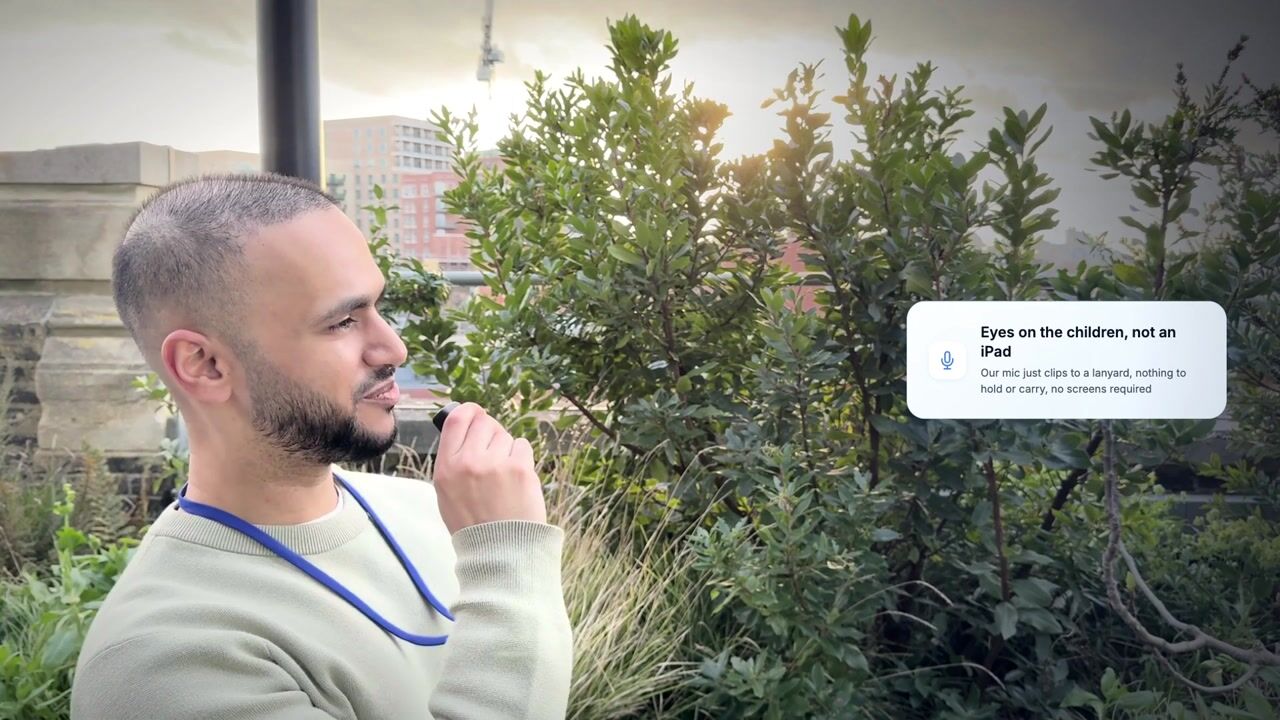
Watch a demonstration of TeachScribe's AI-powered observation tool. See how educators capture EYFS observations by pressing and holding the button on a lanyard microphone and speaking, never touching a screen, with automatic curriculum goal mapping.
Why most observation software still feels like paperwork
Digital observation tools moved the clipboard to a screen. But the core problem remains: teachers have to stop what they're doing to type.
Typing pulls you away
Every observation means stopping, picking up a tablet, and typing. That's time away from supervision and interaction with children.
Hours of admin every single week
Observation write-ups eat into the school day or get pushed to evenings and weekends. That's time that could be spent with the children or on prep work.
Curriculum gaps go unnoticed
Without automatic tracking, it's hard to know which children or curriculum areas are being missed. Blind spots only surface at assessment time.
In our Q1 2026 sample, voice observations outnumbered typed entries by around 15 to 1.
Traditional observation apps vs TeachScribe
Both help you document learning. The difference is how.
| Traditional Apps | TeachScribe | |
|---|---|---|
| Capture method | Typing on iPad or computer | Push-to-talk voice via lanyard mic |
| Time per observation | A few minutes | Seconds |
| Curriculum tagging | Manual selection | Automatic (AI-powered) |
| Child identification | Manual selection | Automatic from speech |
| Blind spot detection | ||
| Staff need to look at a screen | Yes | No |
| Share observations with parents | Yes | Yes |
| Accessibility (dyslexia-friendly) | Requires typing | Voice-first, no typing needed |
How TeachScribe works
Speak your observation. TeachScribe writes and links it, ready for your team to review.
Press and speak
Wear the lightweight lanyard. When you see a learning moment, press and hold the button, name the child and describe what's happening naturally.
Automatically linked
TeachScribe writes the observation, links it to the child you named and maps it to relevant learning goals.
Review and use
Review the observation in the child's profile. Use the evidence to follow progress, plan support and share selected moments with families.
Frequently asked questions
Everything settings usually ask us before their first call.
Still have a question? Book a demo or drop us a line at office@teachscribe.com.
Ready to try a different kind of observation software?
In a 30-minute walkthrough, see a spoken observation become a written record linked to learning goals. We’ll cover setup, pricing and the option of a two-month pilot.
Prefer email or chat? Reach us at office@teachscribe.com or use the live chat button at the bottom right of the page.