EYFS observations.
Spoken, not typed.
Most EYFS observation software still makes you type. TeachScribe is different. Press a button on your lanyard mic, speak naturally, and get a complete observation with curriculum goals tagged in seconds.
Leave your number and a real human will call you back — usually within a minute or two.
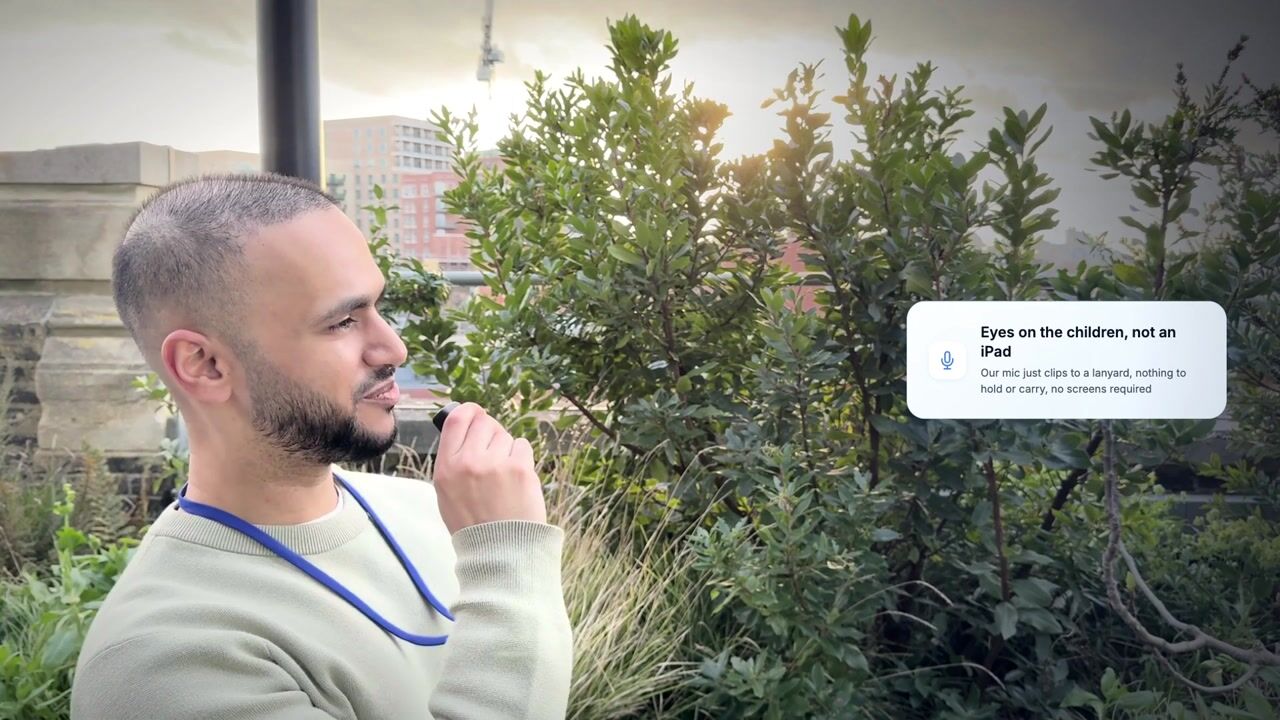
Watch a demonstration of TeachScribe's AI-powered observation tool. See how educators capture EYFS observations hands-free using a push-to-talk lanyard, with automatic curriculum goal mapping.
Why most observation software still feels like paperwork
Digital observation tools moved the clipboard to a screen. But the core problem remains: teachers have to stop what they're doing to type.
Typing pulls you away
Every observation means stopping, picking up a tablet, and typing. That's time away from supervision and interaction with children.
Hours of admin every single week
Observation write-ups eat into the school day or get pushed to evenings and weekends. That's time that could be spent with the children or on prep work.
Curriculum gaps go unnoticed
Without automatic tracking, it's hard to know which children or curriculum areas are being missed. Blind spots only surface at assessment time.
From thousands of real-world observations across schools using TeachScribe, teachers are over 15x more likely to do a voice observation than a written one, and the vast majority are done during school hours rather than in the evening.
Traditional observation apps vs TeachScribe
Both help you document learning. The difference is how.
| Traditional Apps | TeachScribe | |
|---|---|---|
| Capture method | Typing on iPad or computer | Push-to-talk voice via lanyard mic |
| Time per observation | A few minutes | Seconds |
| Curriculum tagging | Manual selection | Automatic (AI-powered) |
| Child identification | Manual selection | Automatic from speech |
| Blind spot detection | ||
| Staff need to look at a screen | Yes | No |
| Share observations with parents | Yes | Yes |
| Accessibility (dyslexia-friendly) | Requires typing | Voice-first, no typing needed |
How TeachScribe works
From observation to assessment in seconds, without touching a screen.
Push & Speak
Wear the lightweight lanyard. When you see a learning moment, push the button and describe what's happening naturally.
AI Processing
AI transcribes your speech, identifies the child, and maps the activity to relevant EYFS curriculum goals automatically.
Instant Profile
The observation lands in the child's profile. Review blind spots and track curriculum coverage on your dashboard.
Frequently asked questions
Everything settings usually ask us before their first call.
Still have a question? Book a call or drop us a line at office@teachscribe.com.
Ready to try a different kind of observation software?
See how TeachScribe works in a free 30-minute demo. We'll show you the voice-first workflow and answer any questions.
Book a 30-min walkthrough
See TeachScribe in action with a personalised walkthrough. No slides, no hard sell. We'll show you how it fits your setting.
Book my walkthroughPrefer email or chat? Reach us at office@teachscribe.com or use the live chat button at the bottom right of the page.